Published Shifts
180 shifts on the September calendar
Scheduling. Free calendar sync.
Collect requests from the whole team, apply your hard and soft rules, and generate a fair schedule for the week, two weeks or month.
Create a workplace for your whole team. iPhone and Android apps are coming soon.
Pick a workplace. Each one is a fictional example from the gallery, scheduled by Schedultary from its own rules and requests.
Coffee shop · 10 people
One Week
Who Is On Sunday
A Time-Off Request
A fictional workplace from the examples gallery, scheduled by Schedultary.
Preview
You are in the admin workspace. Open Schedule, Team, Requests, or Settings. Marrowby Goods is a fictional shop.
Switch Workspace
Schedultary
Marrowby Goods
Alex Rivera · Admin
Team management
Add someone to a shift from any day on the calendar.
180 shifts on the September calendar
Published
Scroll sideways for more days.
Hover a day and press + to add someone to morning or afternoon.
Contacts, pictures and calendars stay with the schedule. Every preview in this section is drawn by the app from Marrowby Goods, a fictional shop.
An admin sends one email with a link. Each person taps Add Contacts and the whole team lands in their phone with name, workplace and role.
Mobile numbers are shared unless someone turns sharing off. Email addresses are shared only when a person opts in.
The Team tab shows who is on now and who comes in later, with a picture next to every name. Call, Text and Email appear for coworkers who share that contact.
Text or email everyone working a day from the calendar.
Everyone's name, title and picture on one page. Print it on Letter paper, Tabloid or a poster up to 36 x 48 inches, in color or black and white.
People add their own picture at sign-up or in Profile. Admins can add a roster photo for anyone who has not.
Each person gets a free calendar link for Apple Calendar, Google Calendar or Outlook. It updates by itself when the schedule changes.
Copy the link or download the file for any other calendar app.
Admins ask about the schedule or describe a change in plain words, such as who is short or who should work Friday. It answers scheduling questions for your workplace only.
Each person turns on email reminders before their shifts, plus a note when the schedule is published or their shifts change. Browser notifications work too.
Post an extra shift or let someone give one away. Coworkers claim it and you approve after a rule check.
Admins email everyone working a shift or section on a given day, right from the schedule.
People rank the holidays they want off. Holiday work is shared across the team and tracked from year to year.
Print the schedule or the Photo Roster in color or black and white, ready for the break room.
Apps for iPhone and Android show the same schedule as the website.
Coming soon to the App Store and Google Play.
Email Me When It's OutUntil then, the website works in any phone browser.
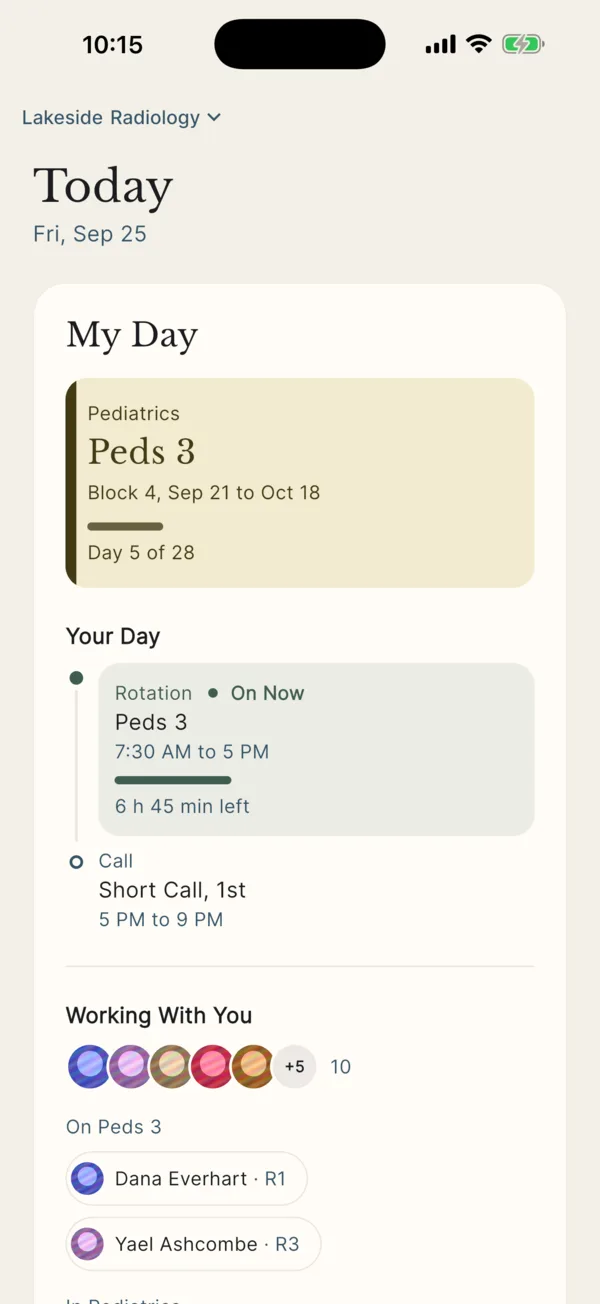
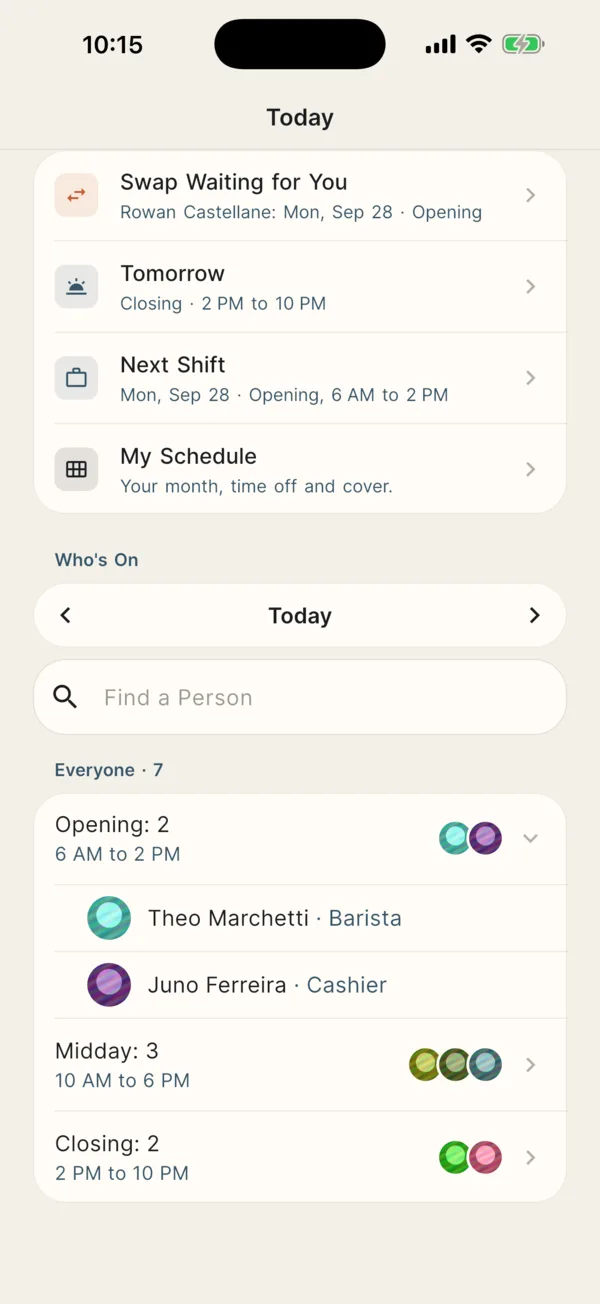
Shops and restaurants usually schedule by the week, other teams every two weeks or by the month, and residency programs by blocks across the year. Each line below matches a solved example you can open.
Opening, mid and closing shifts with a manager on every open and close.
Front desks around the clock, busier weekends and a lead on every shift.
Weekday crews, a Saturday crew and an after-hours on-call technician.
First, second and third shift crews plus 12‑hour weekend crews.
Four crews on DuPont, Panama or Continental rotations around the clock.
Rotations in Beta
Fire platoons on 24/48 tours with Kelly days and guard crews on a Pitman rotation.
Rotations in Beta
Early and late phone shifts and a manager in the office every weekday.
Drop-off and pickup covered with a director on every shift.
Clinic sessions, 12‑hour nursing shifts and weekend groups.
Rotation blocks for every class across the academic year, plus call.
For managers and owners planning the schedule and employees planning their lives around it.
Start with your people, shift types, and staffing requirements. Create and manage the schedule in Schedultary, with optional imports from an existing roster.
No spreadsheet or external scheduling system required.
Set staffing needs, generate a draft from your rules, and compare workloads before publishing. Hard rules block illegal placements; soft rules push fairness.
Your people, your hours, your scheduling rules.
Everyone files availability, time off, preferences, and swaps in one place. You review, then the roster updates.
Published shifts stay close with personal calendar links.
See who is working and start a group text or email for that day’s team. Coworkers choose whether to share contact details.
Messages open in your SMS or email app for review and sending.
Add your people, define shifts, and set staffing needs directly in Schedultary. An existing schedule is optional; you can import one to save time.
Open a request window so every employee can file availability, time off, and preferences. Add hard and soft rules for coverage and fairness.
Generate a draft for the week, two weeks or month that considers every request. Check coverage and fairness, adjust if needed, and publish one calendar.
Collect each schedule’s requests, generate a draft against your rules, and check fairness before you publish. Handle shift swaps with a clear approval process.
File preferences and time off, check your next shift, and ask for a swap. Add published shifts to your calendar so they stay close at hand.
Sign up with Google, Apple or email. After confirming your account, create a workplace or join your team with an invitation.
Yes. The preview on this page shows the admin and employee workspace for a fictional shop. No account is required.
Yes. Availability, time off, preferences, and special asks go into the same generate step, along with your hard and soft rules. Fairness stays visible so you can show how the schedule was filled.
Yes. Signed-in teams use a documented HTTP API with employee or admin tokens. The OpenAPI specification is public.
No. Create your team, shifts, and staffing requirements directly in Schedultary. Imports are optional.
Yes. The website works in any phone browser, including on Android. iPhone and Android apps are coming soon. Personal calendar links work with Apple Calendar, Google Calendar, and Outlook.
Open that link on your phone or computer and sign up on it. It connects your account to your team's schedule. If the link says it is not valid, ask your manager for a new one.
Already signed up? Sign In
Schedultary is a scheduling server. A signed-in team points an assistant at https://schedultary.com/mcp, then asks it to read the roster, apply rules, generate a draft, and decide requests. The same checks as the website apply. Each change shows in Activity.
Sign up with Google, Apple or email. After confirming your account, create a workplace or join your team with an invitation.
Already have an account? Sign In